A calm iPhone step counter widget for your Home Screen, Lock Screen, and Apple Watch.

Why I Built It
It's easy to forget to move when your step count is buried inside another app. I wanted something calmer: a widget that shows progress at a glance without turning the day into a competition.
Steps Widget is built around clarity, gentle encouragement, and quick feedback each time you check your phone. Whether you are building a walking habit, staying active at work, or simply trying to move a little more, I hope it makes progress feel visible.
Features
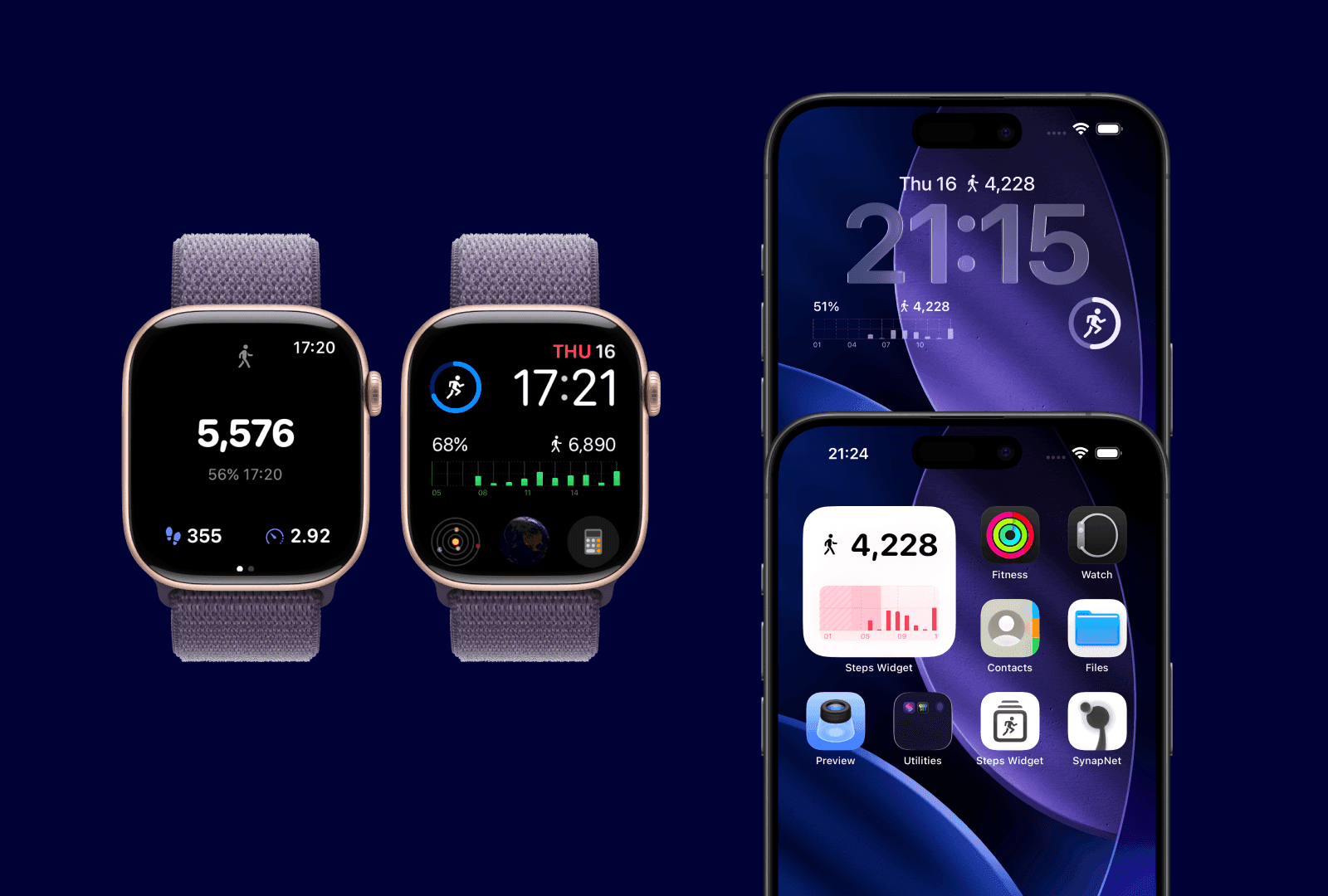
On Every Screen
Keep your step count visible on your iPhone Home Screen, Lock Screen, and Apple Watch.
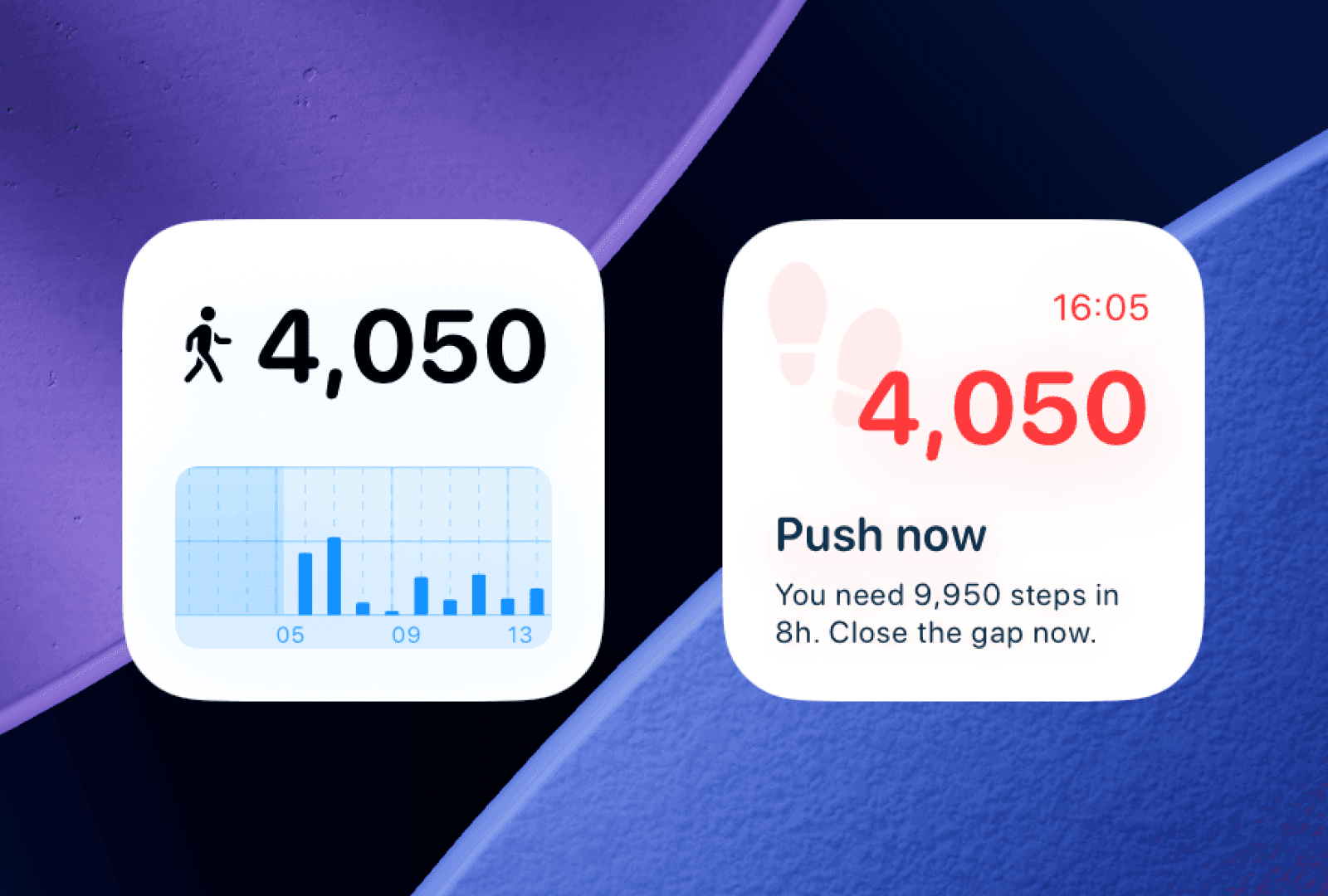
Choose Your Style
Pick the widget layout that suits you best: simple or detailed, chart-based or text-focused.
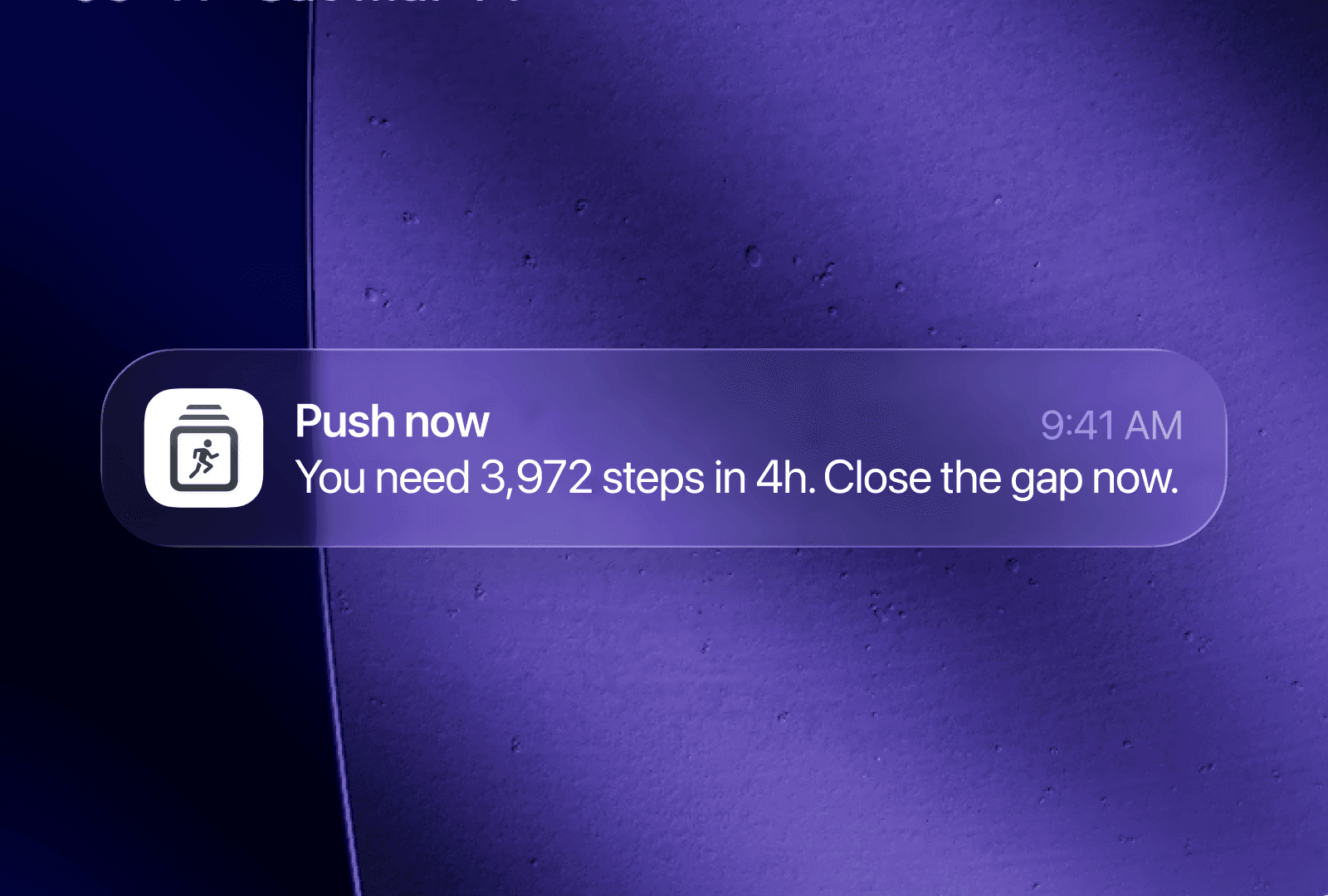
Smart Nudges
On-device nudges can remind you to move at a helpful moment, based on your daily progress.
Simple and Private
Steps Widget reads your Apple Health data with your permission. Your step data is processed on your device, so you can check progress without sending it to a social feed or public leaderboard.
Ratings and Reviews
If Steps Widget helps you stay active, a quick App Store review would mean a lot. Your feedback helps me improve the app and decide what to build next.
Try It Now
Download Steps Widget for free and keep your daily progress where you can see it.
FAQ
Answers to common questions before adding a step counter widget to your iPhone.
What is Steps Widget?
+
Steps Widget is a simple iPhone step counter widget that shows your daily Apple Health steps on the screens you check most: Home Screen, Lock Screen, and Apple Watch.
Can I show my step count on the iPhone Lock Screen?
+
Yes. You can add a Steps Widget Lock Screen widget to keep your current step count visible without opening a fitness app.
Does Steps Widget work with Apple Health?
+
Yes. The app uses Apple Health step data, so your widget reflects the steps your iPhone or Apple Watch records during the day.
Can I use Steps Widget on my iPhone Home Screen?
+
Yes. Add it from the iPhone widget gallery, choose a layout, and place it wherever it helps you notice your daily progress.
Does Steps Widget support Apple Watch?
+
Yes. Steps Widget is built to make walking progress easier to see across iPhone and Apple Watch, so your step count stays close by.
Is Steps Widget private?
+
Your step data stays on your device. Steps Widget reads Apple Health data with permission and avoids social feeds, public leaderboards, or pressure-based features.
Why is my step widget not updating right away?
+
iOS manages widget refreshes to preserve battery life, so updates may not be instant. If it looks stuck, check Apple Health permission, open Steps Widget once, then give iOS a little time to refresh.
 Share
Share